Multiple Photos to PDF Maker: Put Several Photos on One Page
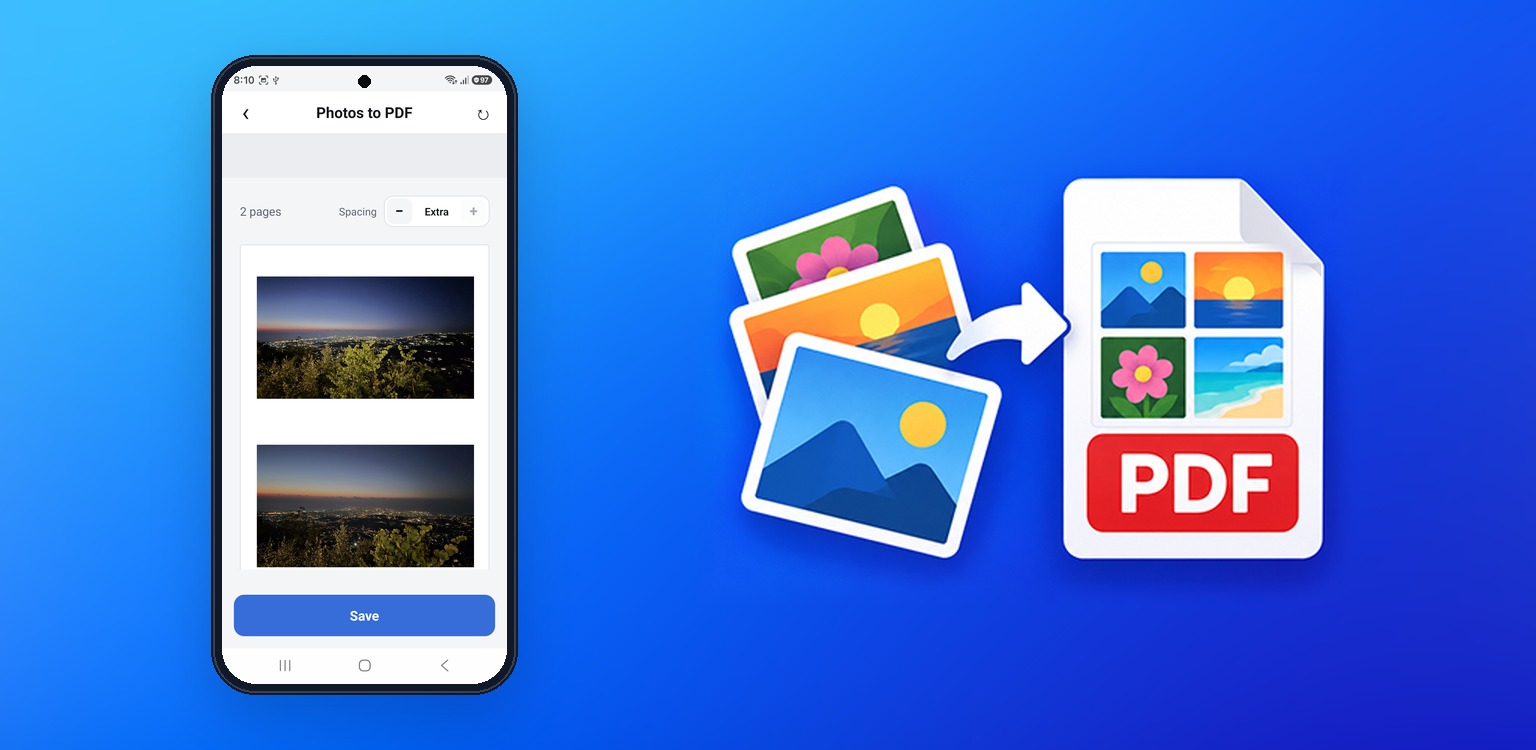
Most apps give every photo its own page. This one puts 1 to 6 photos on each A4 page and saves them as one PDF or picture, ready to print, file or send.
Free · No sign-in · Works offline
Most apps give every photo its own page. This one puts 1 to 6 photos on each A4 page and saves them as one PDF or picture, ready to print, file or send.
Free · No sign-in · Works offline
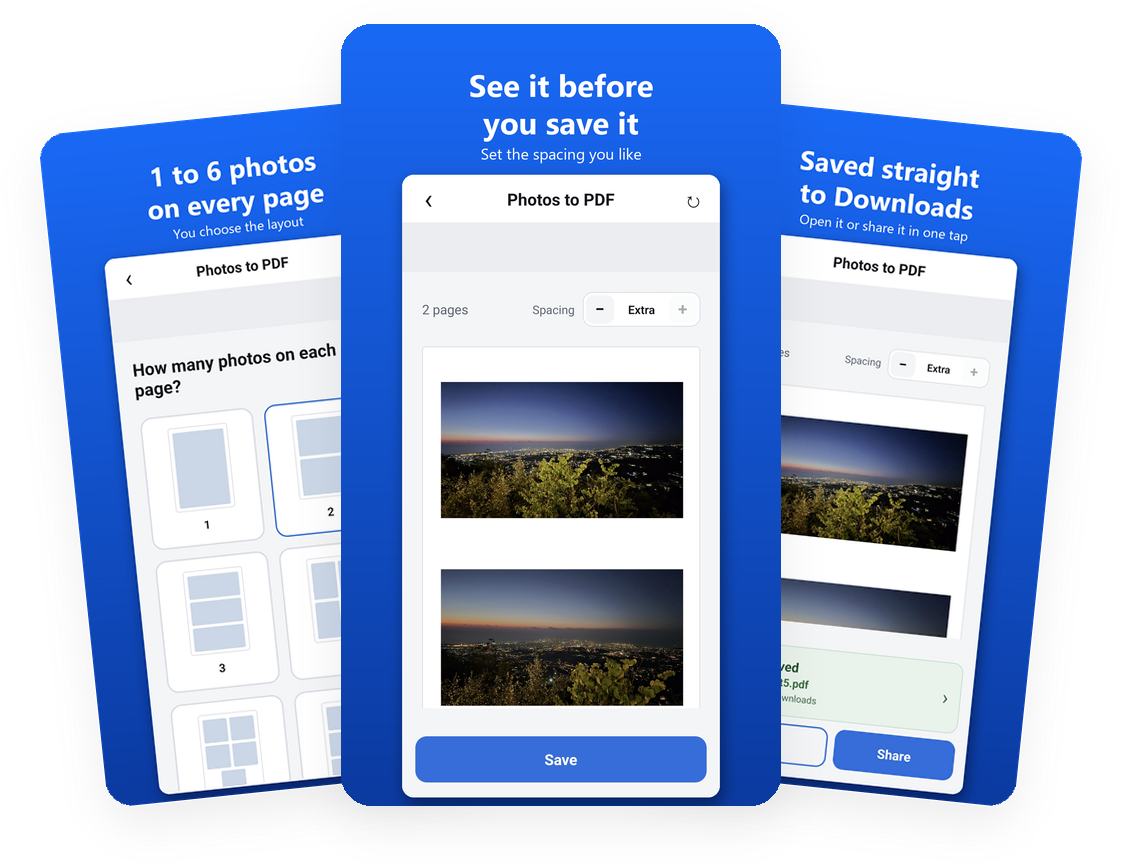
Ten screenshots shouldn't take ten pages. Multiple Photos to PDF Maker arranges your photos several to a page, so you print less, file less and send one tidy file instead of a pile of attachments.
From a pile of photos to a finished PDF in four steps.
Tall for documents and receipts, wide for landscape photos.
Anywhere from 1 to 6 photos on each page.
They stay in the order you pick them. Tap one to take it out.
Name your file, then open it, print it or share it in one tap.
Save paper, ink and attachments. Multiple Photos to PDF Maker is free, with no sign-in, no watermark and no limit on how many photos you use.